No items found.
No items found.
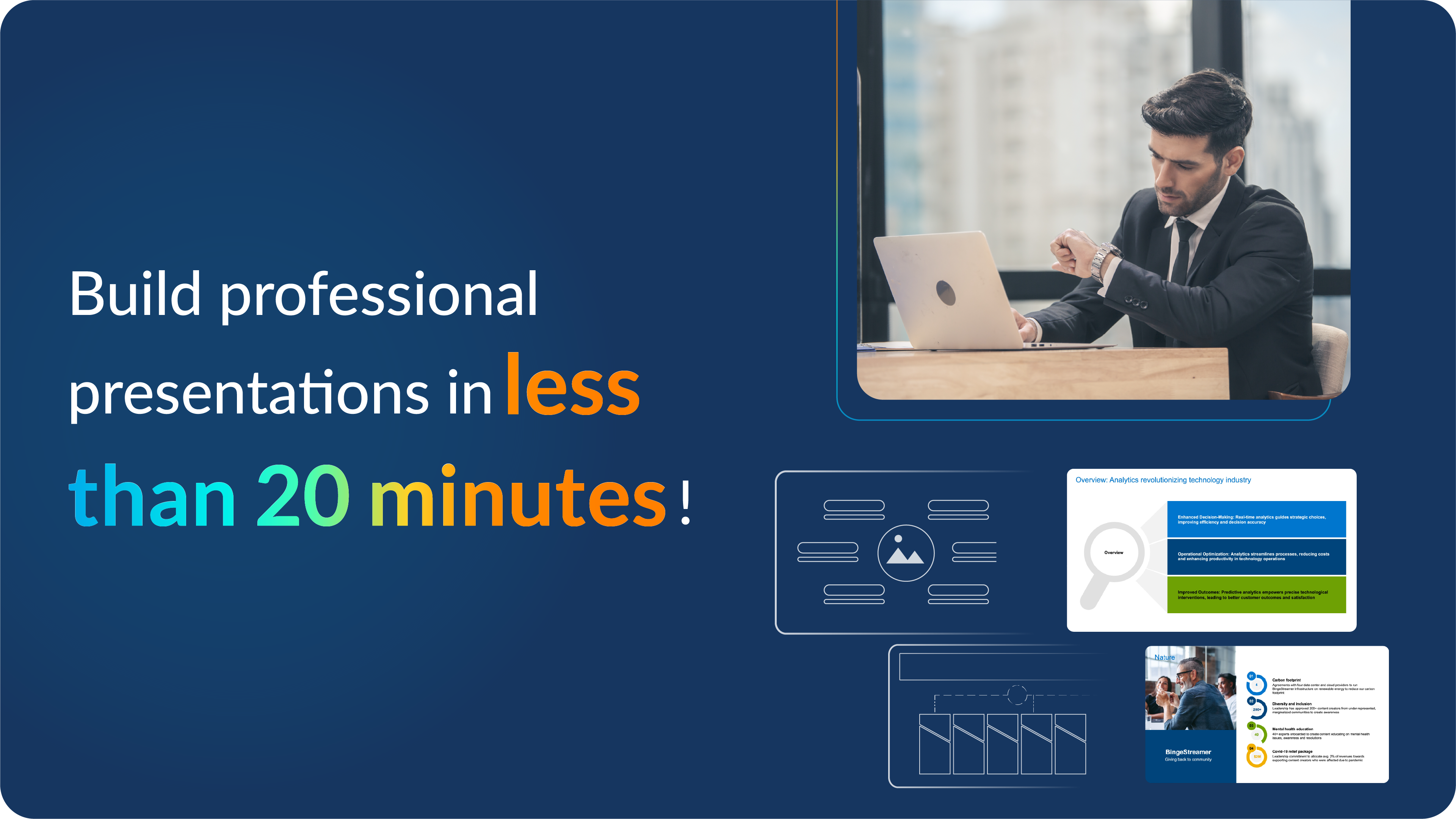
It always starts the same way.
You open PowerPoint.
You stare at a blank slide.
And somehow, 40 minutes later, you’re still adjusting fonts instead of building your story.
Sound familiar? You’re not alone.
For smaller teams and individual professionals, every deck becomes a time sink, hours lost to formatting, fixing logos, resizing charts, or hunting for old slides. It’s not the ideas that slow you down; it’s everything around them.
So here’s the real question: what if you could create a polished presentation in less than 20 minutes? That’s exactly what Prezent Lite makes possible. But before we get there, let’s see why presentations take so long in the first place.
Most professionals spend far too long building presentations. Not because the ideas are hard, but because the process is. Fonts misbehave, templates never align, and good slides from the past disappear when you need them most.
Here’s what really slows you down—and how Prezent Lite helps you move faster, without compromising on quality.
The toughest moment is always the beginning. You open PowerPoint, see that blank canvas, and everything slows down. Should you start with a title, an agenda, or a chart? You lose valuable time just figuring out where to begin.
Prezent Lite’s Auto Generator takes that struggle off your plate.
Simply type a prompt (sample prompts for you) for what you need, for example, “Create a 6-slide town hall presentation with a title slide, corporate narrative, key topics, global presence, company values, and strategic goals.” You can also upload supporting files like spreadsheets or PDFs. Within seconds, AI creates a complete, on-brand presentation that matches your fonts, colors, and style.
It’s not a generic layout; it’s a first draft built around your goal and audience. You start with roughly 70 percent of the work done and can spend your energy sharpening your story instead of facing a blank slide.
You move one text box, and the layout shifts. Fonts change. Colors slip. Then comes design anxiety—“Does this look professional?”
Every adjustment seems to break something else, and keeping slides on-brand feels like an endless puzzle. Prezent Lite fixes all of it in minutes with:
Note: The number of slides varies according to the Prezent plan you choose. Explore other plans
Together, these features eliminate the tedious formatting grind and ensure every presentation looks clean, consistent, and professional, without requiring late-night design edits.
Even after all the effort, many presenters still ask themselves: Will this connect? A leader might want concise summaries, a marketer might prefer visuals, and a client might expect a story. Creating multiple versions of the same deck is time-consuming and energy-draining.
That’s where the Communication Fingerprint feature changes everything. It helps you understand different communication styles, what each audience values, and how they process information. Prezent Lite adapts your presentation accordingly, adjusting tone, visuals, and structure to match your audience’s needs.
You can prepare one deck and then use our tool to update it automatically for each stakeholder or person you’re presenting to, knowing it will resonate every time.

Even the smartest professionals struggle with structure. What should come first—the context or the conclusion? How much data is too much? Without a clear framework, even great ideas can get lost in translation.
That’s why the Best Practice Library deserves its own spotlight. It’s a collection of expert-built presentation frameworks that show what “great” looks like—whether you’re presenting to a board, reviewing forecasts, or pitching a product. You can pick a model that fits your goal, then let Prezent Lite’s AI adapt it to your story, audience, and tone.
It’s not about replacing your creativity. It’s about giving it direction.
Reusing old slides should save time, but usually it does the opposite. Valuable slides hide in folders, drives, and email threads, forcing you to rebuild what already exists.
Prezent Lite puts an end to that. The Presentation Library acts as your single source of truth—a central place where every presentation you or your team creates is stored, tagged, and easy to search. You can find a slide in seconds, reuse what’s proven to work, and move on.
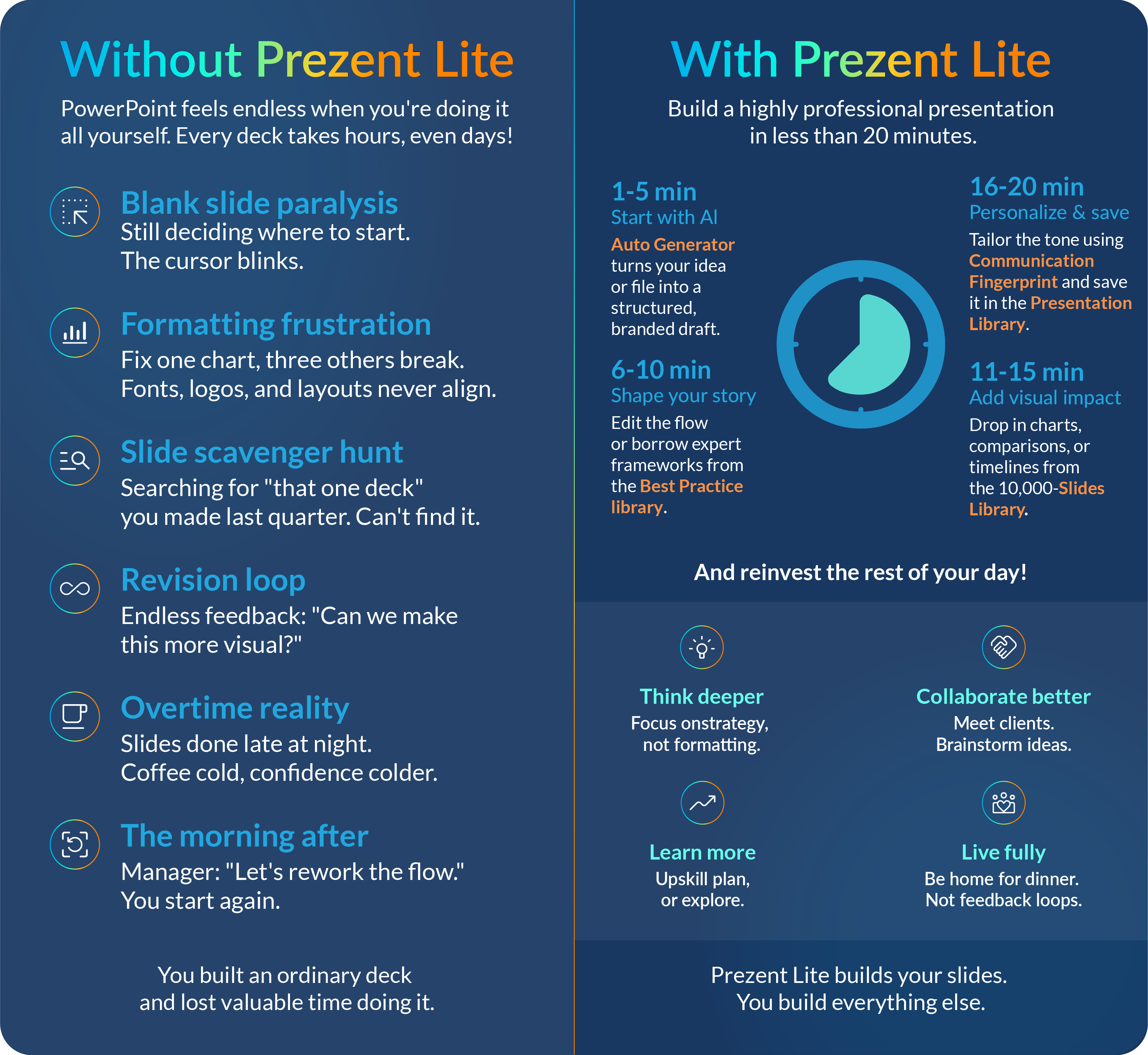

Large enterprises often have entire teams — analysts, designers, communication experts — working together to craft presentations. But for small teams and individual professionals, that support doesn’t exist. You’re expected to do it all: the story, the design, the formatting, the branding. And it’s no surprise that PowerPoint quickly becomes a burden.
Prezent Lite was built with you in mind. It gives individuals and small teams the same power, speed, and polish that big companies enjoy, without the complexity or cost. With AI handling the heavy lifting, you get to focus on what matters most — sharing your ideas with clarity and confidence.
Professional. On brand. Audience-ready. In 20 minutes or less. Register and try Prezent Lite.

Bharti is a product marketing writer at Prezent who believes great writing starts with deep reading. She began her career in finance, switched paths in 2019, and has since worked with Kintegra, Clearout, Miko, CaratLane, and, of course, Prezent. From content marketing to product marketing, she enjoys simplifying complex product and technical ideas without losing meaning. As she always says, “If it needs explaining twice, it needs better writing.”
Connect with her on LinkedIn.













