No items found.
No items found.

When you need to communicate a complex idea quickly, concisely, and persuasively, a one-pager can be your secret weapon. It’s more than just a summary—it’s a laser-focused document that tells a compelling story in a single page. Whether you’re pitching a business idea, summarizing a product for potential customers, or seeking investment, a one-pager forces you to distill your message into its most essential components.
But how do you create a one-pager that not only gets read but also sparks action? Let’s break down the process, step-by-step, and explore strategies, frameworks, and practical tips to ensure your one-pager leaves a lasting impression.
At its core, a one-pager is a brief document that condenses the most crucial information about your product, service, or idea into a digestible format. It’s often used in business to provide a high-level overview in a single page, especially when time is limited and decisions are made quickly. A one-pager is meant to be concise, yet comprehensive, highlighting essential information that’s tailored to your target audience.
Whether you’re creating a startup one-pager, a business one-pager, or a marketing one-pager, the goal is the same: present your value proposition, solution, and key information in a way that’s easy to understand. Using a one-pager template can help ensure that your one-pager is visually appealing and well-structured, without missing critical details.
A successful one-pager includes:
Its brevity forces you to focus only on what truly matters to your audience, whether that’s highlighting key benefits of your product, explaining the value proposition, or providing evidence of success. This strategic document serves as a snapshot of your business, offering a concise and compelling way to pitch to investors, potential customers, or clients.
While one-pagers are versatile, they shine best in specific contexts. Understanding when to use one can amplify your messaging:
A business one-pager or investor one-pager summarizes your investor pitch, focusing on financial projections, market opportunity, and growth strategy. This one-page business template provides investors with the essential information they need to decide if your startup is worth their time and money.
For clients evaluating multiple vendors, a product one-pager can concisely summarize your sales proposal offering, including its key benefits, features, and value. It helps to make a one-pager that stands out visually and quickly addresses client pain points.
When time is short, a company one-pager or project one-pager serves as a leave-behind after meetings or conferences. It gives your audience something to remember you by, highlighting the key points of your business in a visually appealing way.
A tailored one-pager makes a strong first impression. One-pagers can quickly summarize why a prospect should care about your business or product, without overwhelming them with too much information.
A marketing one-pager can be a powerful way to introduce a new product or service, summarizing its features, benefits, and competitive advantages in one concise document.
By recognizing when a one-pager is the most appropriate tool, you increase your chances of engaging your audience effectively. Whether it’s a business one-pager to investors or a strategic plan one-pager for internal use, understanding the context will help shape your approach.
Let’s walk through the essential steps of crafting a good one-pager example that informs and persuades.
A one-pager isn't one-size-fits-all. Before drafting anything, define who you’re speaking to and tailor the content to meet their specific needs. Are you addressing potential investors, current clients, or executive decision-makers? Each audience has different concerns, and your one-pager should reflect that.
Example:
Tailoring your one-pager starts with answering two critical questions:
For instance, a startup one-pager should focus on the business plan, market opportunity, and financial projections. On the other hand, a business one-pager for potential customers might focus more on solving their specific pain points and the outcomes they can expect.
Your headline is your first—and possibly only—chance to grab attention. In one sentence, it should clearly communicate the core benefit or value of your solution. Skip the jargon and get straight to the point.
Effective formula for headlines:
[Solution] + [Action Verb] = [Tangible Benefit]
Examples:
The goal is to frame your product or service in terms of the value it brings to your audience, not just what it is. Your headline should summarize the essence of the document in a way that is both direct and persuasive.
Before presenting your solution, clearly outline the problem you solve. Be specific. You want to create urgency by identifying pain points your audience will instantly recognize and relate to.
Framework:
For example, a one-page business plan might emphasize the struggle businesses face with managing data and automating tasks. This establishes the need for a solution, paving the way for your offering.
“Many small businesses hit a plateau because they lack the tools to efficiently manage leads and automate marketing processes. As a result, they miss out on growth opportunities and spend too much time on manual tasks.”
Once you’ve framed the problem, the reader will be more invested in hearing how your solution addresses it. This step sets up the foundation for presenting your value proposition and unique features.
Now that the problem is clear, it’s time to present your solution. But don’t just describe what you do—show how you solve the problem in a way that is unique, effective, and valuable.
Key elements to include:
For instance, rather than simply listing features, you could say:
“Our AI-powered marketing platform automates lead generation and email follow-up, freeing up time for your team and increasing conversions by 25% in the first month.”
A good one-pager balances details about features with the benefits they bring, making the content relevant and actionable for the reader. By using concise language, you avoid overwhelming your audience while ensuring they get the message.
Your audience is likely skeptical. They’ve heard grand promises before. That’s why adding credibility through social proof is critical. Whether it’s client testimonials, case studies, or data-backed results, proof helps build trust and reinforce the validity of your claims.
Example:
“After implementing our solution, Company X saw a 30% increase in lead conversions within 60 days and saved over $50,000 in operational costs in the first year.”
Or, include a testimonial from a satisfied customer:
"Thanks to [your product], we’ve seen a dramatic improvement in productivity. Our project timelines have shortened by 15%, saving us both time and money."
Metrics and real-world results will make your one-pager stand out. Whether it's a business one-pager for potential investors or a personal one-pager for networking, proof helps establish credibility and increases trust.
In a one-pager, visuals play a critical role in making complex information easy to digest. Use diagrams, infographics, or charts to break up the text and clarify key points. Content that appeals visually also makes the one-pager more engaging.
For example, if you’re showcasing the ROI of your service, an infographic comparing time or cost savings before and after implementation can tell the story faster and more effectively than words alone.
Key visual tips:
Every great one-pager ends with a clear and compelling call to action (CTA). You’ve just walked your audience through the problem, your solution, and the proof—now tell them what to do next. A well-defined CTA doesn’t just ask them to “learn more.” It guides them toward a specific, actionable step.
Effective CTAs:
Make it as easy as possible for your audience to take the next step, whether it’s visiting your website, contacting you, or signing up for a demo.
Here are a few examples of professional one-pagers and how they can be structured:
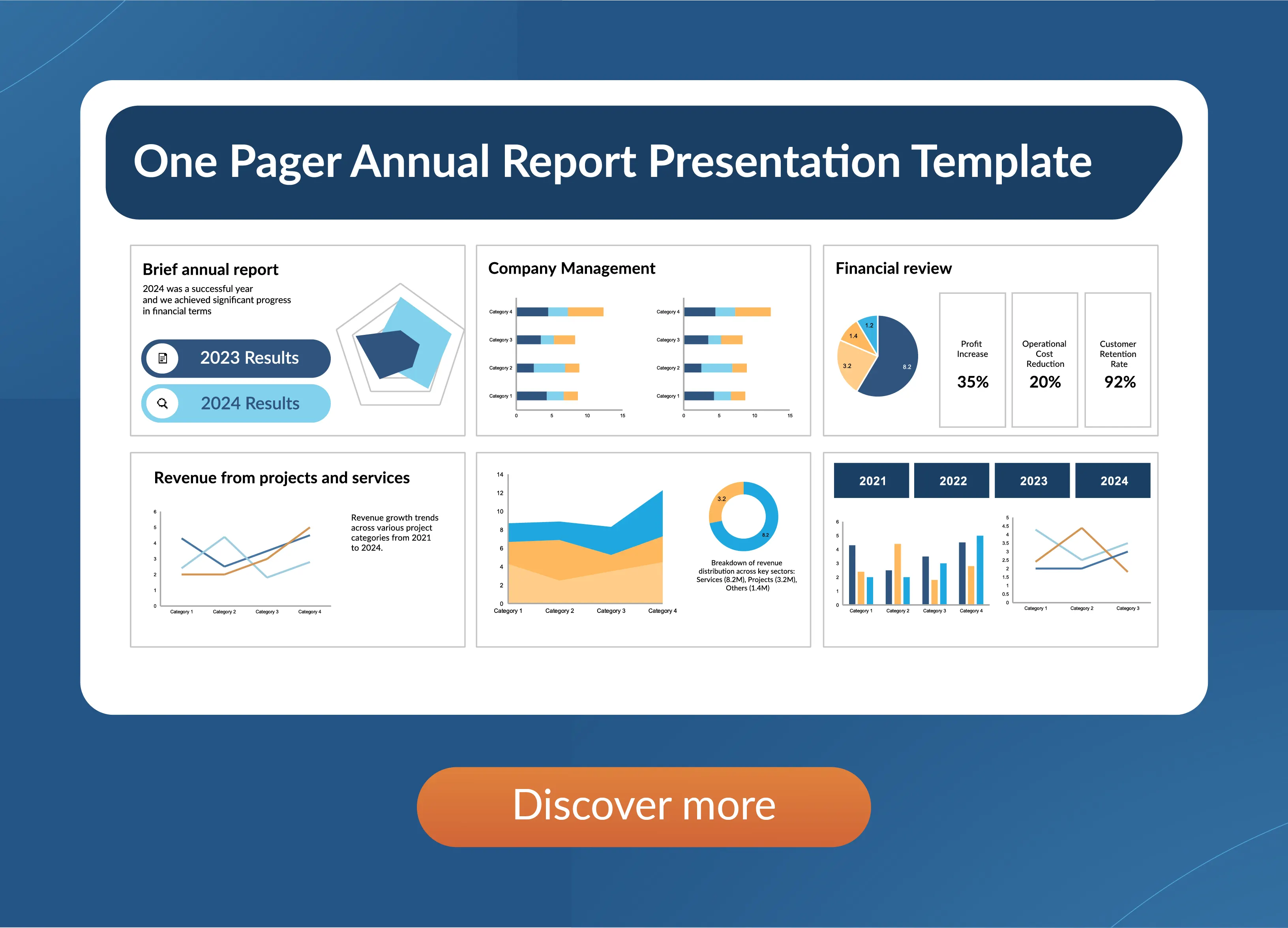
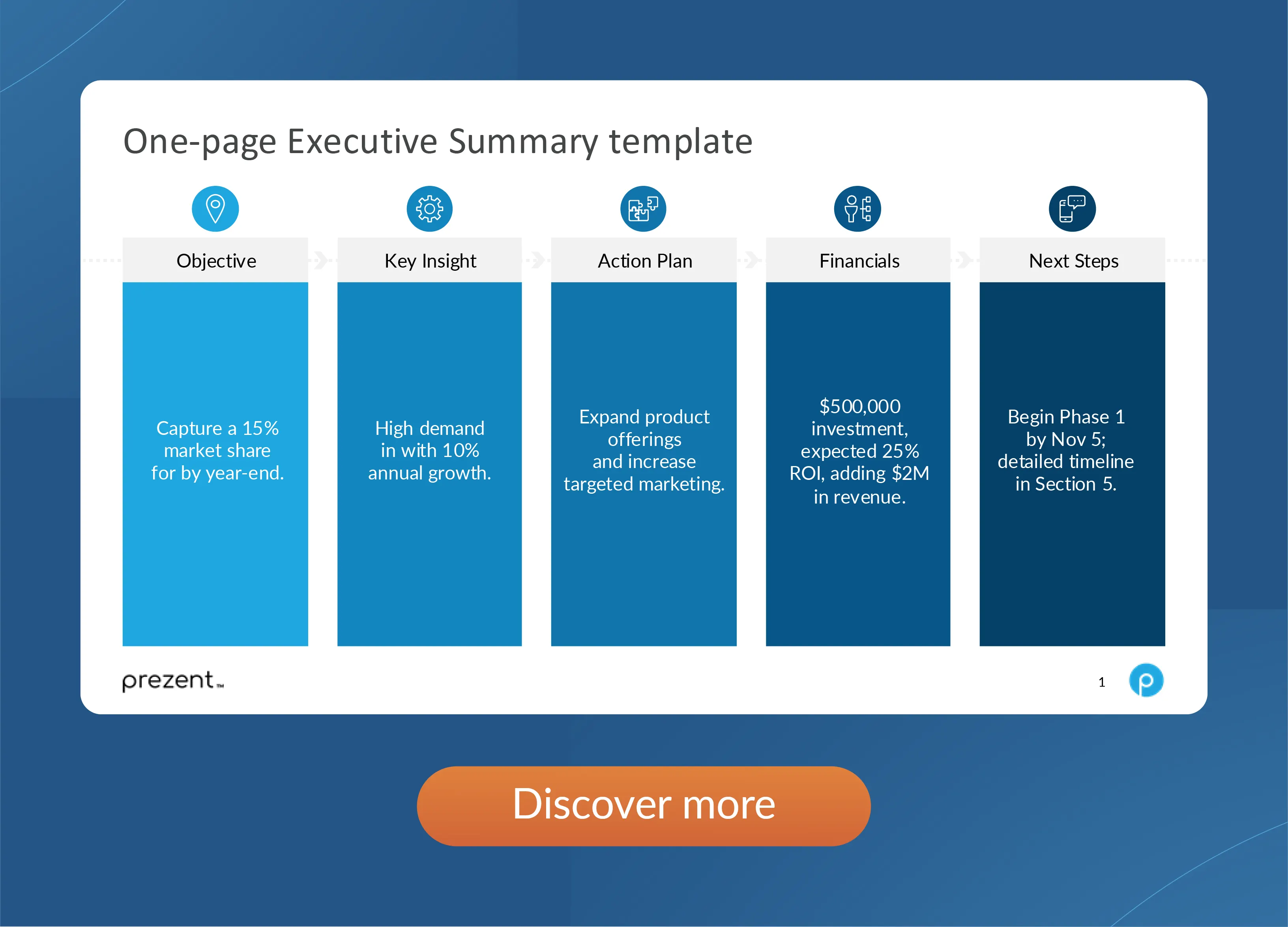
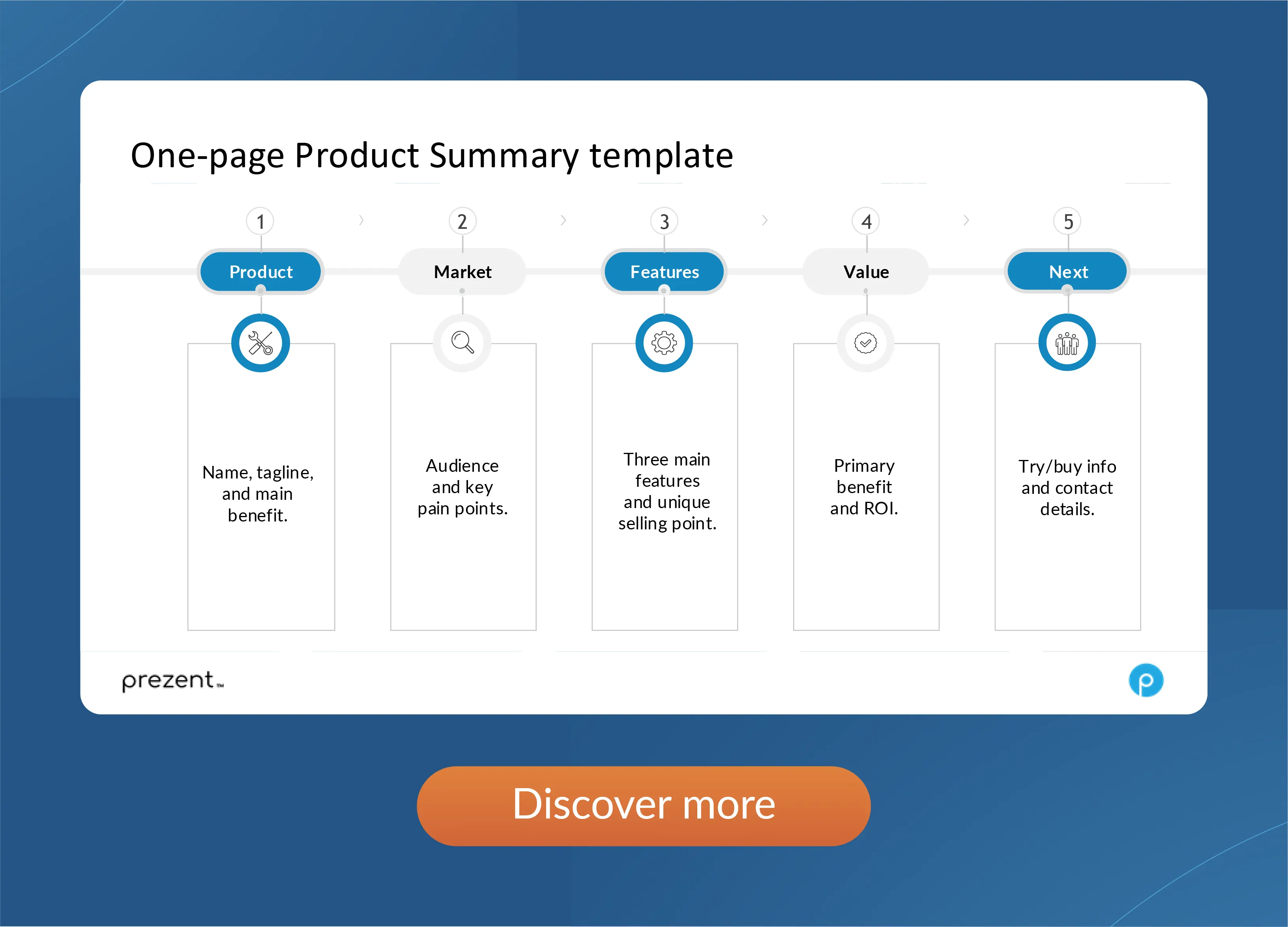
A business one-pager is a concise document summarizing key information about your business. It’s used in pitches, meetings, and presentations to quickly convey your value proposition and important details.
The bottom of your one-pager should include contact information, a clear call-to-action, and any relevant legal notes or disclaimers, directing the reader to the next step.
Yes, different templates exist for business, orientation, and pitch one-pagers. These templates ensure a professional layout tailored to specific goals, making content creation easier.
Students use one-pagers to summarize complex subjects or projects in a visually appealing and easy-to-understand format, helping them present or study key concepts efficiently.
An effective one-pager is concise, visually appealing, and includes essential information. It should focus on key points with a strong call-to-action, helping the reader take immediate action.
Prezent offers a suite of smart tools that simplify the process of creating professional, effective one-pagers. Whether you're working on a business proposal, marketing plan, or pitch deck, Prezent can help streamline your workflow in the following ways:
By leveraging Prezent’s features, you can create professional one-pagers that are not only visually compelling but also tailored to the specific needs of your audience—whether you're pitching to investors or updating internal teams. Try all features by signing up for a free trial account or connect with our experts for a free demo.

Bharti is a product marketing writer at Prezent who believes great writing starts with deep reading. She began her career in finance, switched paths in 2019, and has since worked with Kintegra, Clearout, Miko, CaratLane, and, of course, Prezent. From content marketing to product marketing, she enjoys simplifying complex product and technical ideas without losing meaning. As she always says, “If it needs explaining twice, it needs better writing.”
Connect with her on LinkedIn.













